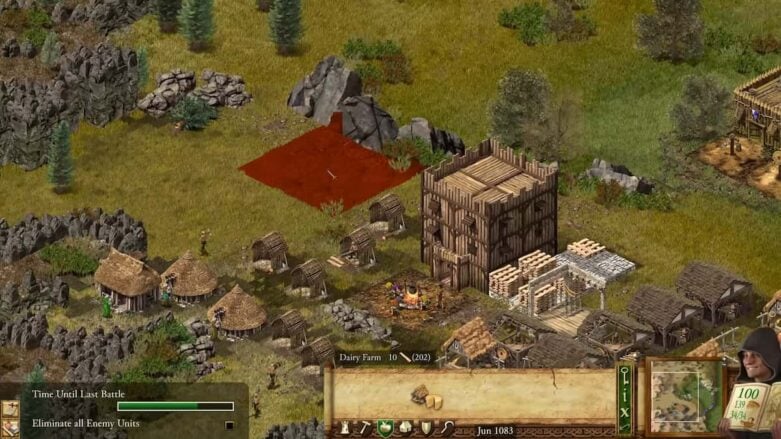
While playing through Stronghold, you’re going to want to adjust the look of your buildings. One way to do that is to rotate them so you can decide where each building looks at. Unfortunately, the game doesn’t really cover how to rotate buildings and what buildings can be rotated.
Below, we’ll go over what buildings you can rotate in Stronghold and how to do so.
Stronghold: Definitive Edition – Can You Rotate?
You can not rotate every structure or building in Stronghold: Definitive Edition. You can only rotate gatehouses (made of stone) with the Tab key. This is probably because the direction your buildings face does not really matter and is more of a cosmetic choice. However, the direction your gatehouses face is very important.
Your gatehouses are essentially the way that defenders can move through your fortress and how attackers can move through as they break through each area. So it makes sense that part of the strategy element is deciding where your gatehouses face. Still, that removes the feeling of individualism that you get while placing buildings. If every building faces only one way, it helps the player lose immersion.
Of course, a big hole in the wall made by an enemy catapult removes any need for gatehouses. So it doesn’t matter what direction they’re facing if they’re blown to bits. Still, it’s nice to have that personalization before the big bad guy comes to destroy your hard work.
I’d say keep posting on the game’s forum if you want to see something like building rotation added to the game. The developer will see that there is a want for it and add the feature. It is likely not very hard to do if all sides are already modeled out. Otherwise, you’re completely out of luck if you want to rotate your buildings.

Comments