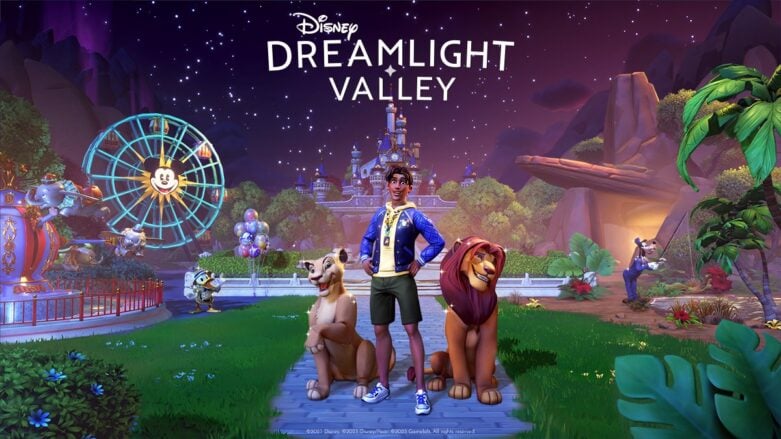
Disney Dreamlight Valley is am adventure game that lets you explore a magical world filled with Disney and Pixar characters. You’ll discover a world where beloved Disney and Pixar characters once lived in harmony until the Forgetting occurred. But now, as the player, you hold the key to restoring the magic of Dreamlight Valley and freeing the Dream Castle from the grip of the insidious Forgetting. If you need help on how to put on customized Mickey Ears in Disney Dreamlight Valley, we have a guide for you!
How to Put on Customized Mickey Ears
To put on your customized Mickey ears, you’ll need to open up your Wardrobe and then select “Customize,” which is the first option. You will then look for “Mickey Ears” and select the item, which will allow you to customize the cosmetic in many different ways. This is a new customization option from the recent Pride of the Valley update.
Customization is just one of the many features available in Disney Dreamlight Valley that makes the playing experience more individualized and allows players to express themselves through different colors, motifs, characters, and the like. It is one aspect that makes the game appeal to people of all ages and gaming abilities.
We hope this helped you figure out how to put on customized Mickey Ears in Disney Dreamlight Valley! Check out more of our Disney Dreamlight Valley coverage.

Comments