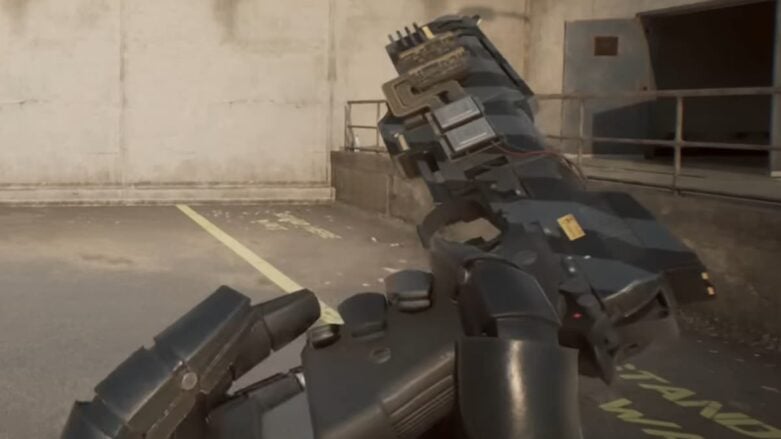
In RoboCop Rogue City, embracing the role of the titular law enforcer comes with the ability to customize your appearance. Fans of the film series can rejoice in the option to change skins, reflecting different moments from the RoboCop cinematic universe.
Use this guide to help you know how to change skins, ensuring that you can patrol the streets in the style that best suits your nostalgic preferences. You can check out our review here: Robocop: Rogue City Review.
How To Change Skins in RoboCop Rogue City
To change your skin in RoboCop Rogue City, follow these steps from the game’s main menu:
- Select Options.
- Go to the Gameplay tab.
- Find the RoboCop Skin and Pistol Skin settings below the Language option.
- Use these settings to switch skins, depending on which skin pack you have.

After selecting your new skin, exit back to the main menu to see your updated RoboCop ready for action.
All Available Skin Packs in RoboCop Rogue City
RoboCop Rogue City offers two skin packs:
- Vanguard Pack: Features the blue armor from RoboCop 2 and a “Pitch Black” skin for the Auto-9 pistol.
- Alex Murphy Pack: Includes the original movie’s damaged armor and a “Prototype” skin for the Auto-9 pistol.
These packs allow you to customize your game experience with a touch of movie magic.

Comments