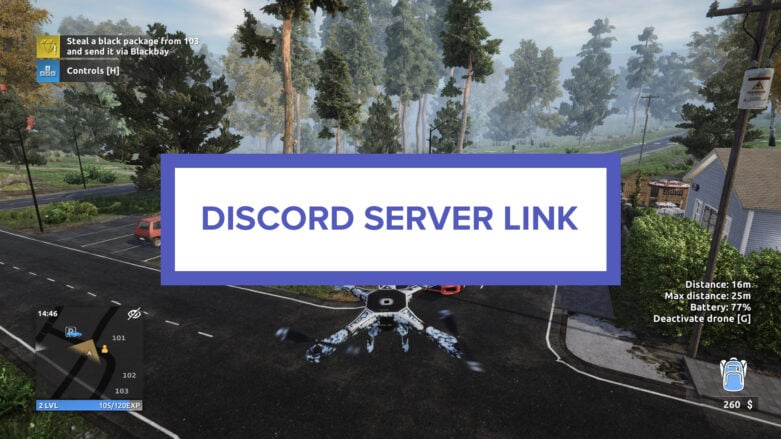
With gaming, linking up with other players can make the experience all the more immersive, fun, and interactive, even if it’s a solo game. Joining a game’s Discord server helps players find other enthusiasts of the game, which can be useful if you want to chat about an upcoming update, get help on a quest, or share an achievement you just got. If you’re looking for the Thief Simulator 2 Discord Server Link, we have an invite link so you can learn and explore the game.

Thief Simulator 2 Discord Server Link
The Thief Simulator 2 Discord Server Link is:
Thief Simulator 2 is an immersive gaming experience that plunges players into a world brimming with priceless treasures, luxurious cars, and abundant cash—provided they can pilfer them. Beginning as a petty thief, players will gradually level up, undertaking increasingly risky and lucrative heists. As they gain experience, players can acquire new skills and tools, such as crowbars, binoculars, and advanced hacking equipment, to unlock fresh opportunities and lift more valuable items for sale on the black market.
Discord servers are often built around communities of like-minded folks, which allows you to interact with people who share your interests, learn from them, and contribute your own knowledge or experiences. With gaming servers like Thief Simulator 2, you’ll typically find channels that provide official information, announcements or patch notes from the game developers or publishers, which makes it a great way to stay updated on the game.

On top of that, many servers feature channels that engage the community from things like fan art or screenshots to help guides to taking suggestions or allowing for users to submit bug reports. If you’re ever stuck on a part of a game, going to the official Thief Simulator 2 Discord Server can be a great way to get help and connect with other fans.
Discord FAQ
Joining a Discord server can offer several benefits, especially if it’s centered around a specific topic, hobby, or interest you are passionate about. Here are two frequently asked questions that we have answered for you!
How do I join a Server?
To join a Server, you must first have a Discord account. Once you have a Discord account, make sur eyou’re logged in, and then you can join a server clicking on an invite link or by clicking the “+” icon within Discord to paste in the link. You can join up to 100 Discord servers with a free account or up to 200 servers with a Nitro subscription.
How do I get a Discord account?
You will need to go to Discord and sign-up for an account, then verify that account before you’re able to login through Discord’s app or through your browser.
We hope this helped you join the Thief Simulator 2 Discord Server and connect with other players who enjoy the game!

Comments