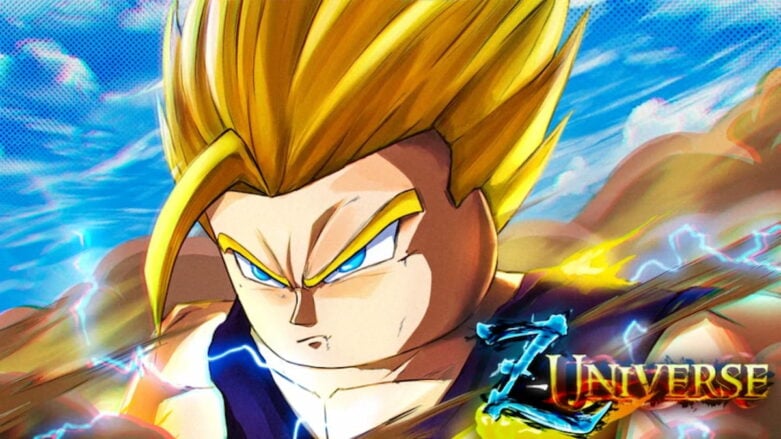
In Roblox Z-Universe, you can explore a big open-world adventure game that is based on the works of Akira Toriyama. This game has its own unique story with cool mentions of fan-made stories, giving you a special experience where you can discover huge landscapes and learn amazing powers.
Use codes to get Spins in Z-Universe. All you need to do is use them to spin for the race you want. It takes a long time to look for working codes yourself, but we have already found them to help you begin your journey with a strong character.
All Codes for Roblox Z-Universe List
Active Z-Universe Codes (Working)
- 30EmoteSpins! – Redeem code for Freebies (NEW)
- ThisCodeTakesAwaySpins – Redeem code for Freebies
- youguyshavenoideahowmuchthisallmeanstome – Redeem code for Freebies
- SPLITSNOWWORK!!!! – Redeem code for Freebies
- OMG!!!300LIKES!!!! – Redeem code for Freebies
- Android Buff – Redeem code for Freebies
- TYSM4200LIKES! – Redeem code for Spins
- RankedInTopPaidAccess? – Redeem code for Spins
- Open Pre-Alpha! – Redeem code for Spins
Find codes for a bunch of other games in our Roblox Games Codes page.
Expired Z-Universe Codes (Not Working)
- 100 Likes! – Redeem code for Spins
How to Redeem Z-Universe Codes
To redeem codes in Roblox Z-Universe, you will need to follow these steps:
- Upon starting a new game, you’ll come to a race selection screen.
- Enter a working code in the ENTER CODE HERE text box and hit the green Redeem button.
- You’ll get your free code rewards instantly if the code is still active.
- If not, let us know in the comments!
Be sure to use codes from our Z-Universe list quickly, as they may expire soon. If it’s a brand new code that doesn’t work, try closing out of the game and re-opening it. This will put you in a new server, which could have an updated build of the game where the code will be working!
How to Get More Z-Universe Codes
To make sure you never miss new Z-Universe codes, I recommend regularly checking the game’s official pages:
- Bookmark this page (press Ctrl + D) and check back for updates!
- Join the Ex-co. Roblox Group
- Join the Z-Universe Discord
Why Are Z-Universe Codes Not Working?
If a Z-Universe code isn’t working, here’s what to check:
- Mistakes Happen: Double-check if you’ve typed the code exactly right. It’s easy to miss a letter or number! Copy and paste from this guide or the official game sources to be sure.
- Codes Expire: Just like milk, codes can go bad! Developers often give a heads up when a code’s about to expire, but not always. The best bet is to use codes right away when you find them.
- Capitalization Counts: Pay close attention to capital letters in the code – they matter!
- Server Glitches: Sometimes a new code might not work on every server right away. Try logging out and back in, or finding a different server to play on.
Still no luck? It might mean the code is expired. Let me know in the comments if you find any that aren’t working anymore, and I’ll update the list to help everyone out!
When Are New Z-Universe Codes Released?
While Ex-co. hasn’t publicly announced a specific schedule for new code releases, I’ve noticed a few patterns based on the game’s history and community updates:
- Game Updates: Keep an eye out for new codes whenever the game receives a major update or patch. Developers often include codes as a bonus for players.
- Special Events: Events like holidays and milestones often trigger code releases. Follow the official game channels for announcements.
- Community Goals: Developers sometimes reward players with codes when the game reaches a certain number of likes, favorites, or visits.
- Apologies or Compensation: Occasionally, codes are released as a way to apologize for unexpected server shutdowns or game-breaking bugs.
Those are all of the Roblox Z-Universe codes we currently have listed. If you see one that we’re missing, please let us know in the comments so we can add it right away!



Comments