Decentraland is a 3D virtual world, where users can purchase virtual plots of land in the form of NFTs via the MANA cryptocurrency. While that sounds complicated, you can play this game as just a platform to interact with people across the world. There are a variety of mini-games to play, and people to socialize with.
Samsung has thrown its name into the game, and has created a small event that will allow you to collect badges. Collecting these badges will enter your account into a raffle that can get you free Samsung NFT wearables. We’ll show you how to get these badges in this guide.
Samsung Badges Guide
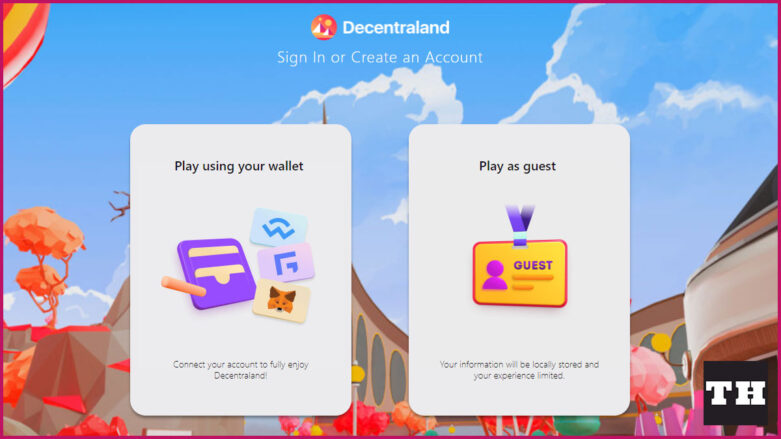
The first thing you need to do is go to the Decentraland website. There are two options available, you can create an account with your wallet or you can play as a guest. To get the badges and be eligible for the Samsung raffle, you have to use an account with a wallet.
This was my first time getting a wallet myself, and I just went with the MetaMask. You need to download a plugin for your device or web browser. It supports Chrome, Firefox, Brave, and Edge. You just need to sign up, create an account, and then save your password and key information.
Once you’ve got your wallet created, go back to the Decentraland website and click the “Play using your wallet” option.
When you enter into the game, you will be asked to input the name you want to go by and to create your avatar. Go through that process, and then go through the tutorial that teaches you how to move around. If you forget how to do things, just press the ‘C’ key on your keyboard to get an overlay of the controls. You can also hit the ‘Esc’ key to get control of your mouse cursor again.
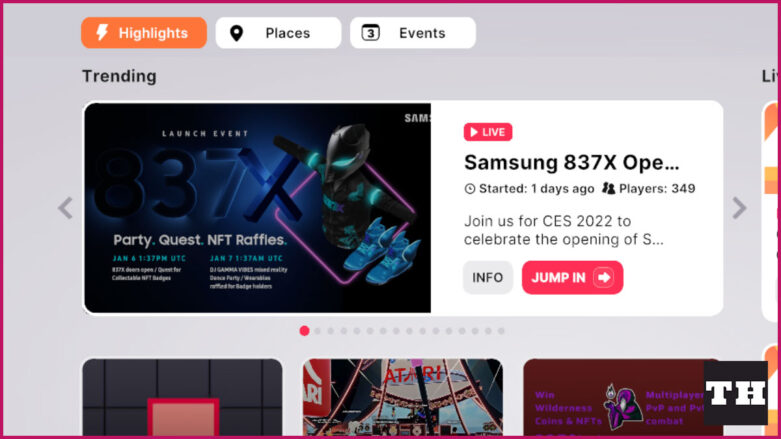
Once you’ve finished the tutorial, hit the ‘X’ key on your keyboard to open up the Explore options. You will see all of the games and various places you can teleport to. You should see the Samsung837X Opening Event option with a button that says Jump In on it. If you don’t see it in the Highlights menu, either click on the Places or Events tab and you should hopefully find it there.
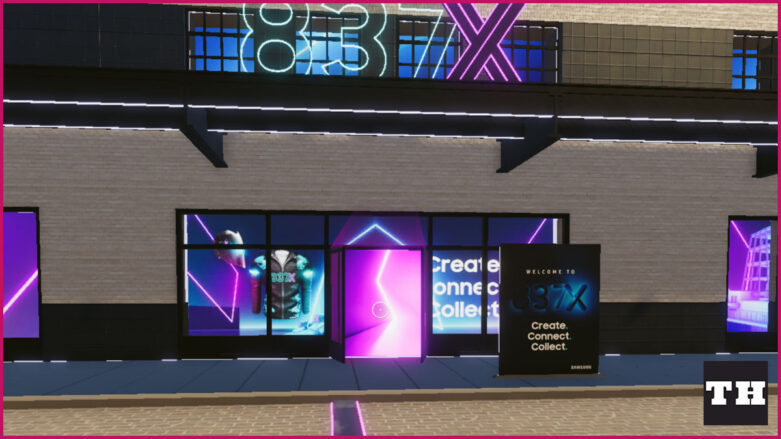
Once the area loads up, you will see a building with a lot of Samsung advertisement on it. You should also see a doorway with a bright pink light. Go through the door and into the light to enter into the Samsung building.
Run forward and in the center of the room is the first badge you can collect. If you click on it, it will ask you to input the the Bot Code into the text area. Hit the “Esc” key on your keyboard to get control of your mouse, click on the empty box and type in the code. Hit the Claim Badge button to get your first badge.
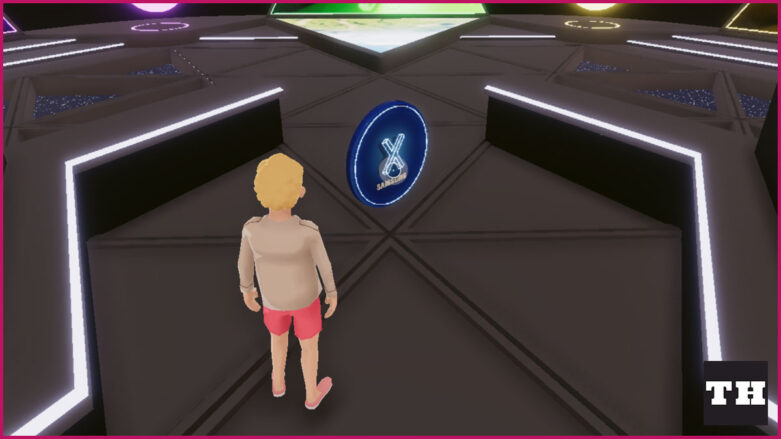
Look around the room for the bright yellow triangle that says Connectivity Theater in front of it. Walk through the triangle to enter into the next room. In the center of the area you will see a large yellow shape in the middle. Go up to it and interact with it.
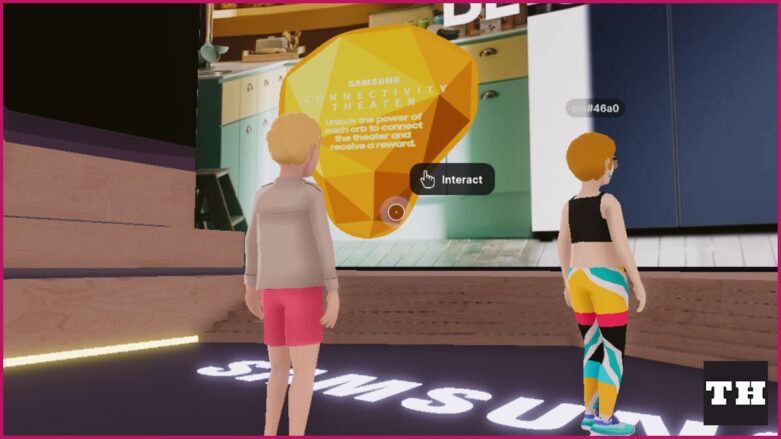
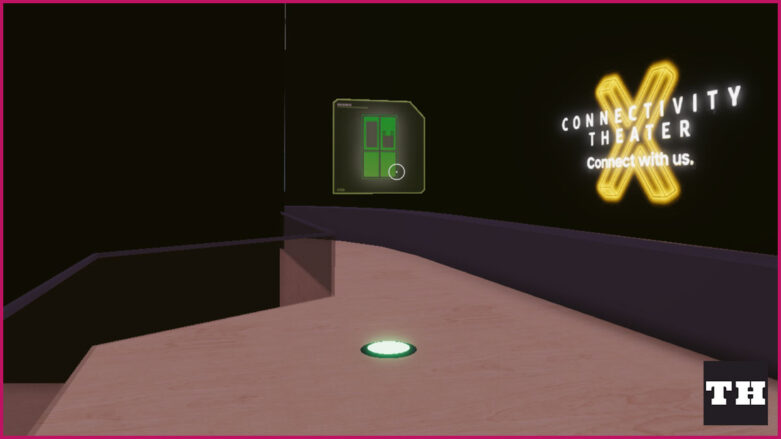
On the top of the stairs in the room, you will see that there are three different floating orbs. Just go to each of them and make sure to walk through the light portion on the ground. If you walk through all three of them, the second badge will appear in the middle of the room where the large yellow shape was. Interact with it and enter in the Bot Code to receive the second badge. Leave the room through the yellow triangle door.
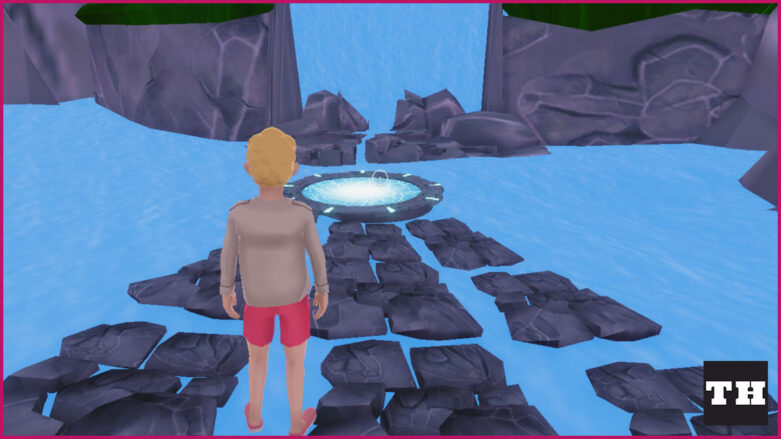
Head through the green triangle door, and walk straight through the forest towards the waterfall. You can also follow the path through the forest to reach the destination. Walk into the circular portal on the ground, and you will fall into the water. The dragon will talk to you, and you can just click through the dialogue. When it is done talking, you will see the third badge. Click on it and enter the Bot Code to receive it.
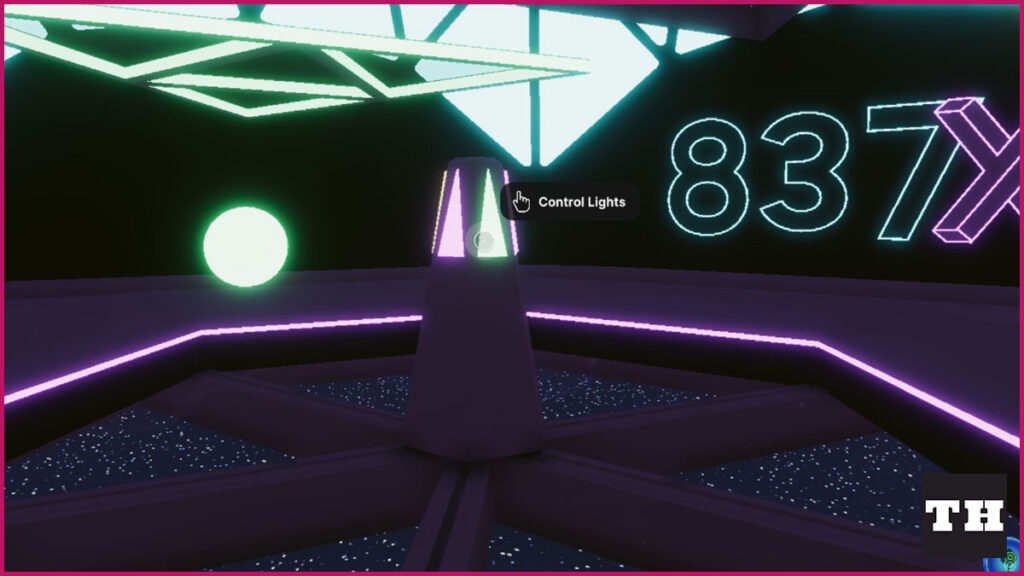
Follow the path back to the mountain area and go through the green door to get back to the hub. Now, all you need to do is go through the pink triangle door. Go to the middle of the room where you will see a pillar that has multiple lights on it. If you hover over the lights, it should give you the option to control lights or dance. Keep clicking on the various options and the final badge should appear above the pillar. Click on it, enter the bot key, and receive your final badge.
This one is the buggiest one of the four badges. If it doesn’t say control lights and just says interact, you might need to reload the game. Keep trying to click on the various lights until the badge shows up.
Having all four badges will make your account part of the Epic, Legendary, and Mythic wearable raffles. Three raffles will take place on January 7th, with each tier being given away. You will have to wait and see if you are picked as a winner!

Comments