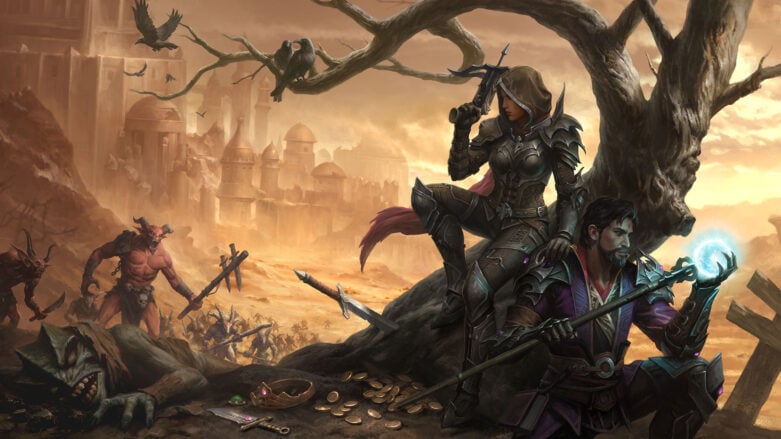
Blizzard’s Diablo Immortal is their big foray into the mobile gaming scene, but PC players have not been left behind because they can jump in as well. The game is based on the well-known Diablo franchise, that will have you defeating demons and collecting all sorts of loot while doing it. If you’re wondering how to turn off the footstep graphic in the game, we’ll tell you how in this guide.
Footsteps
Unfortunately, you can’t specifically turn off footsteps in Diablo Immortal. However, if you don’t mind not having your current quest tracked, you can turn them off as you are questing in the world. You just need to deselect your quest from the list on the side of the screen. This will shut off the footsteps that are highlighting your path.
When you have a quest selected the game will automatically place footsteps towards your next destination. This can be annoying to some players who just want to navigate on their own. To deselect your quest, you just need to click or tap on the name of it under the Codex.
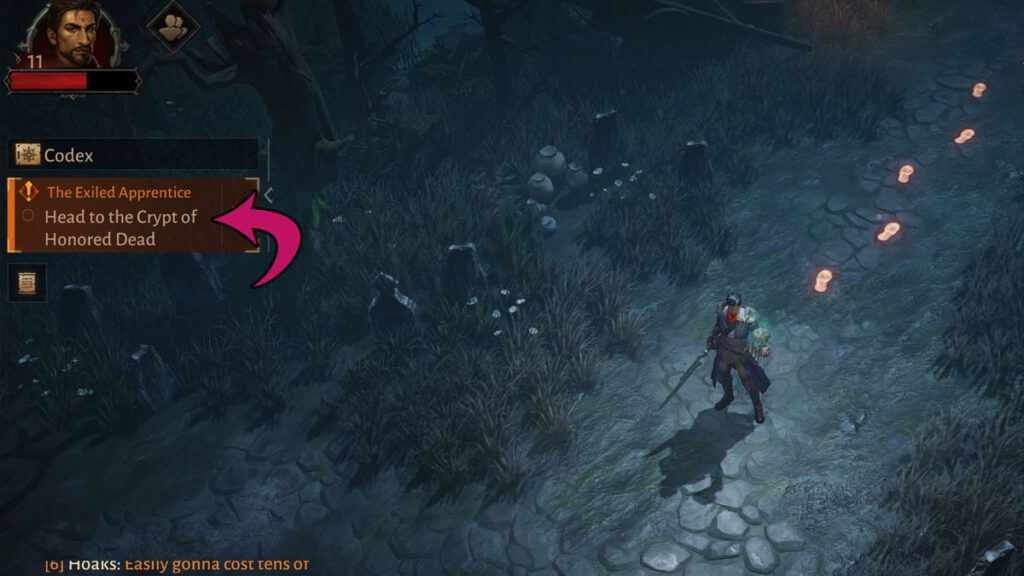
If you don’t see this open, you need to click on the arrow on the side of the screen to expand it outwards. You will know that you have your quest deselected once the corners are no longer glowing.
Unfortunately, this will also remove any markers on your mini-map and full map. You can temporarily select the quest again to add it back, and then deselect it to remove your footsteps if you get lost! You also can’t really do anything about the footsteps when you are using auto-navigation.
That’s everything you need to know about removing your footsteps in the game. You can find more guides and information about it in the Diablo Immortal section of our website.

Comments